This small form factor machine Type 10TX0013UK. BIOS Revision M22KT49A, Block Revision level 1.49. 11/10/2022
After fitting a NVMe SSD to replace the existing hard drive the machine booted once from the cloned image but then failed with a ‘Error 1962: No operating system found’. The solution to this was to enter the BIOS and go to the Devices > Network Setup settings for PXE and disable them. This included the PXE IPV4 Network stack, same for IPV6 and the PXE option ROM setting.
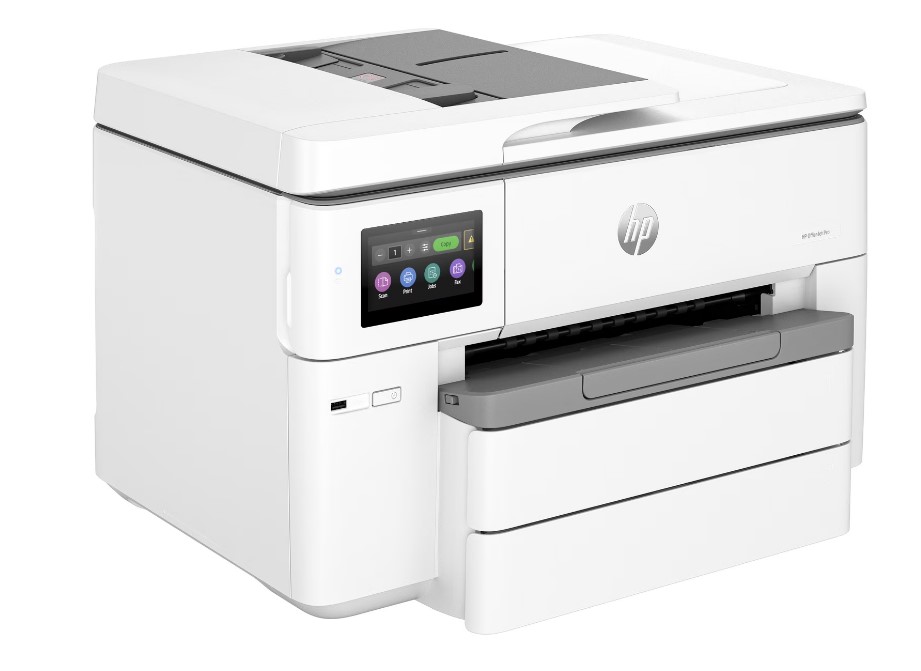
After trying to set-up a new Epson Expression Home printer for a client and failing to get any usable printouts from the control panel I then connected directly by USB to a Windows 11 machine. Using the downloadable configuration tool the black prints became dense enough to read. After a couple of nozzle cleans and a head clean the black improved slightly more but the nozzle check report showed the colours were still full of gaps. The Epson support line advised me to then carry out multiple head cleans & nozzle checks in succession. My client intervened and started the return process. I cannot remember ever having this amount of set-up difficulty with a new printer to get to the output of printed sheets. Printer drivers and connectivity would not be such an issue as this involves so many combinations of products.
net user /add [username] [password]
This creates the user account

net localgroup administrators [username] /add
This adds the user to the Local Administrators Group

wmic UserAccount where Name="[username]" set PasswordExpires=False
This prevents the password from expiring
Secure Shell software allowing connections between clients and servers for remote administration.
Related Powershell Commands:
Check the installation status
Get-WindowsCapability -Online | Where-Object Name -like 'OpenSSH*'

Start the service
Start-Service sshd

Change the service startup behaviour
Set-Service -Name sshd -StartupType 'Automatic'

Add/Install the service
Add-WindowsCapability -Online -Name OpenSSH.Server~~~~0.0.1.0
Local Tunneling allows a port on your local client machine to act as a port on the remote server. Jump to remote tunnel at 7m 43 secs
Useful Commands to show the logged in user account etc:

tasklist /s <pcname> /fi "imagename eq explorer.exe" /v

wmic /node: <pcname> computersystem get username

wmic /node: <pcname> computersystem get manufacturer, model, username

Or locally:
wmic computersystem get manufacturer, model, username

Change the Network Hostname (Requires Admin account)
Using CMD
wmic computersystem where name="%COMPUTERNAME%" rename "NewName"

Use Powershell and CMD to switch between sessions on either command line

Using Powershell
Rename-Computer "NewName" -Restart