
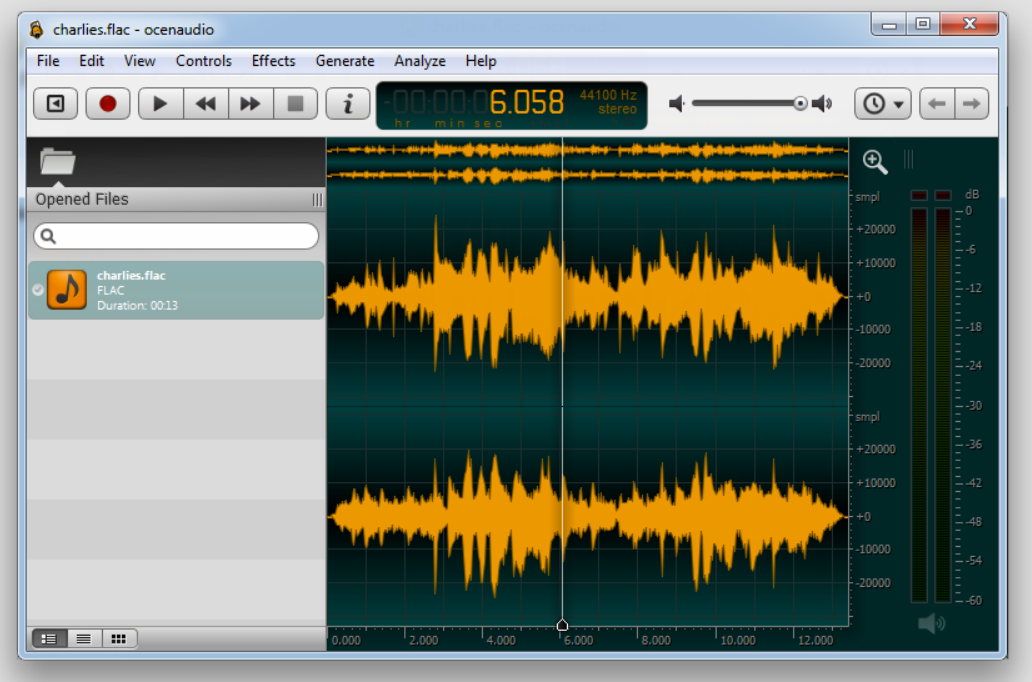
For sounds, music cutting & mixing.
Ocenaudio Audacity Alternative
On a Dell Inspiron Desktop Tower PC running Windows 10 Home 64bit, recently upgraded from Windows 7 Home Premium – there was a very odd problem with Google’s Chrome Browser.
Firstly the version was rather elderly 58.58.3029.110 and wasn’t auto-upgrading, secondly no link for uninstalling was viewable in Control Panel or Settings:Apps. All attempts to run the online installer made no difference. Manually deleting the installation folders and Registry entries would be ‘magically’ reversed if any installer (even later versions) was run or existing link was activated.
Working on the guess that this was an ‘enterprise’ issue – running the latest Chrome Browser for Enterprise MSI (installer – scroll down past the bundles) restored an Uninstall link.
 Uninstalling using this link seemed to work – but any installer would still produce the ‘magical’ reversion described above.
Using the Offline Chrome Installer (or 32 bit) from a different Local Administrator Account temporarily resolved the issue but the ‘magical’ reversion eventually returned.
Googling revealed a few other similar cases, at least one user being ridiculed on a support forum! After yet another reversion I started to examine the individual processes in Task Manager and discovered (using Open file location) they were bogus entries running from outside the Chrome Installation folders, also realized that they were named Chrome (32 bit) unlike the genuine version.
So this is a Virus which enforces the use of an old Browser version for its own purposes – which I could not deduce. There were at least two bogus folders in Program Files of a similar nature. I had tried at least two AV scanners before finding the culprit.
If you install Windows 10 on a HP Microserver you might find that the Network Ethernet Port cannot be accessed by the OS.
The solution might be a BIOS update using firmware upgrade SP64420.exe download. Version 2013.10.01 (A) (15 Nov 2013) can be found here.
After creating the Update USB and booting to it the update finished untidily at a command line prompt – but was successful.
Press the Windows Key and ‘R’ to open the run dialogue.
Type ‘winver‘ and press enter.

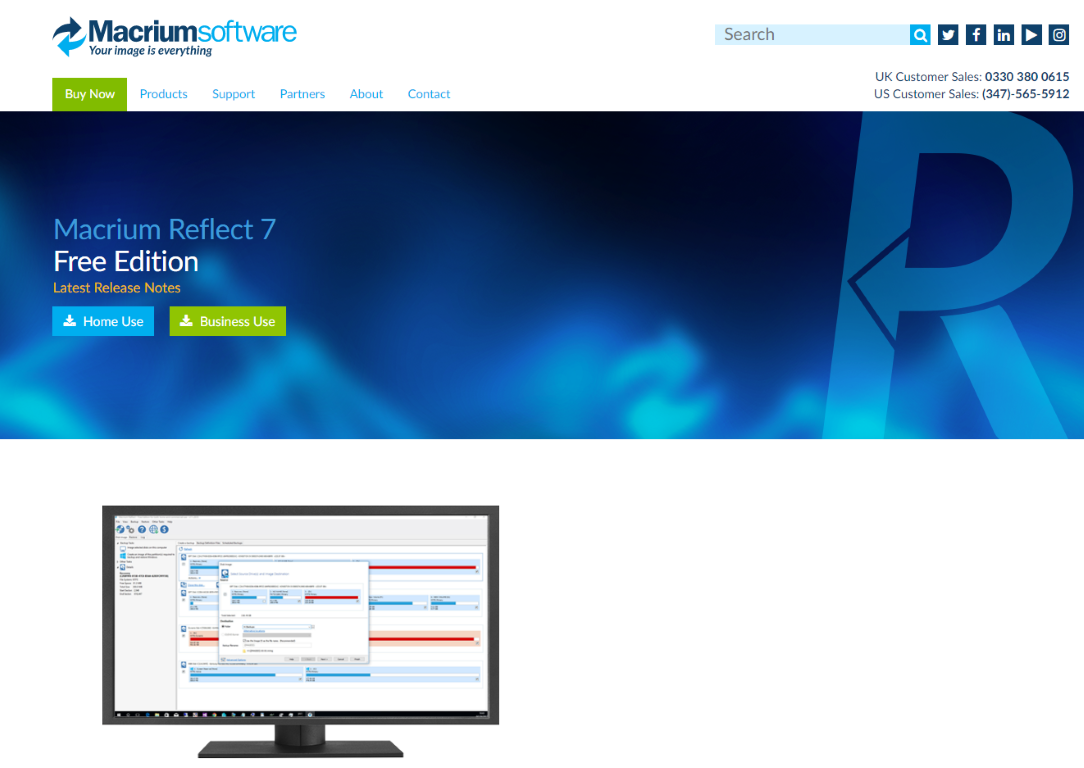
If you need to copy or back-up your entire hard drive, SSD for upgrade or peace of mind. Try Macrium Reflect – there’s a free version.
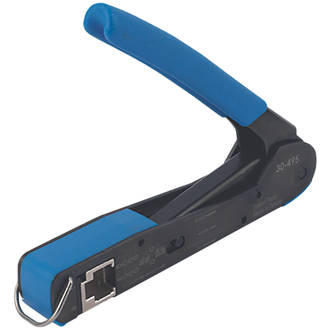
Available from ScrewFix, attach your own CAT/Network cable plugs.
https://www.screwfix.com/p/ideal-industries-rj45-ft-45-feed-thru-crimp-tool/8518x
When your old PC will not run Windows 10 or Windows 7 comfortably, perhaps because it was originally XP, then there is a good chance that it will be able to do useful work with a fresh installation of one of the ‘flavours’ of the Linux operating system .
Check your hard drive with this Portable (no installation necessary) Software Utility.